Setup
360 Payments will provide you with your Merchant ID, Terminal, Device. Type it into the Setup screen found under Tools -> 3rd Party -> 360 Payments. You will then be prompted "Do you wish to pair your terminal. Make sure it is plugged in, connected to the internet, and turned on. The system will then identify the terminal and complete the setup. You will now be ready to transact credit card payments through this merchant services provider.
This is the input screen:
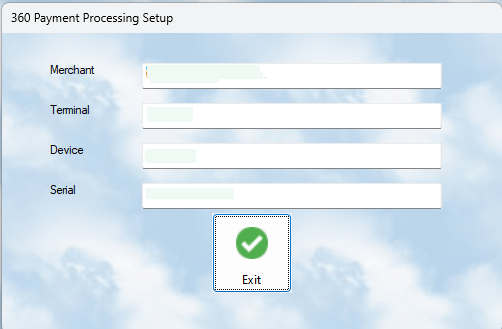
You do NOT need to add the serial number. When you "pair" the terminal ( by saying yes to the prompt ), the system will obtain the serial number of the device and save it.
You will need to do an install on each terminal where you have a card reader installed.